
Go to www.google.com/ads and sign in from the top right corner. Make sure you're using the email linked to your Ad Grant account. This is sometimes different from your regular work or personal email.

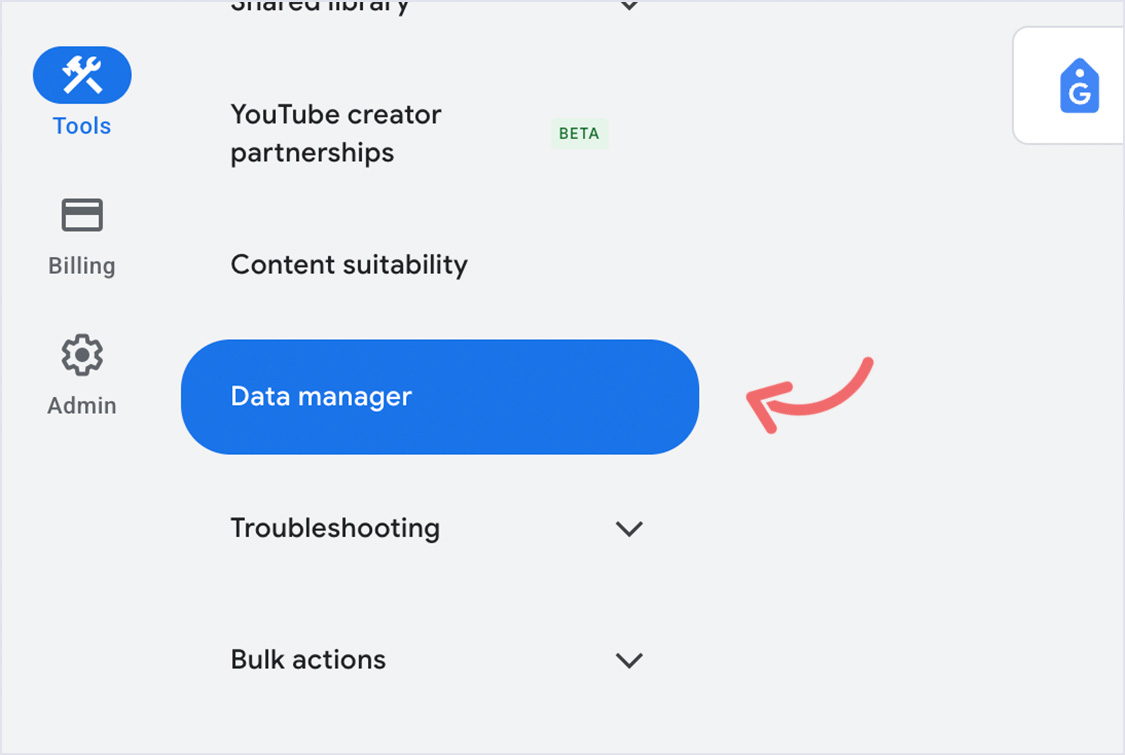
Once you’re signed in, click Tools in the left-hand column. A sidebar will appear. Select Data Manager.
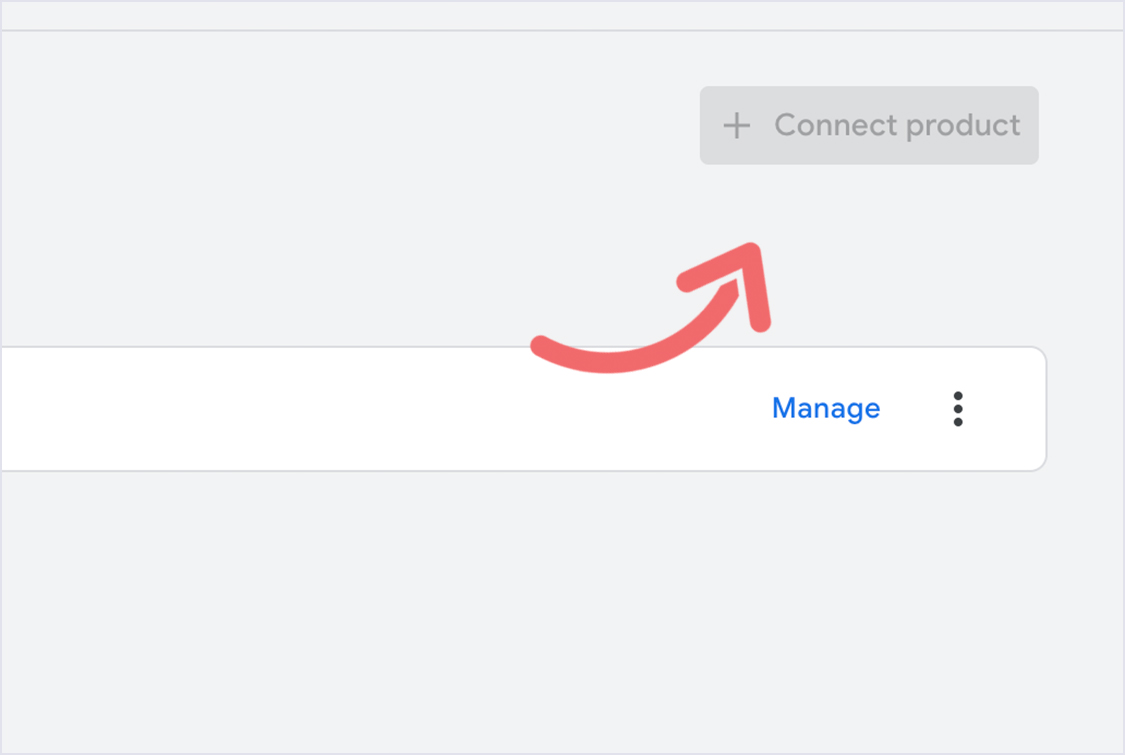
Click Connect Product, then search for and select Google Business Profile. Follow the prompts and you're all set. Your address will now show up in local ads and map packs.