


Go to www.google.com/analytics and sign in from the top right corner.

Once you’re in, select the account or website you want to give us access to.

Click the gear icon in the bottom left of the page. A sidebar will appear.

Click Admin, then find the Property section in the center of the page.
Select Property Access Management.
.jpg)
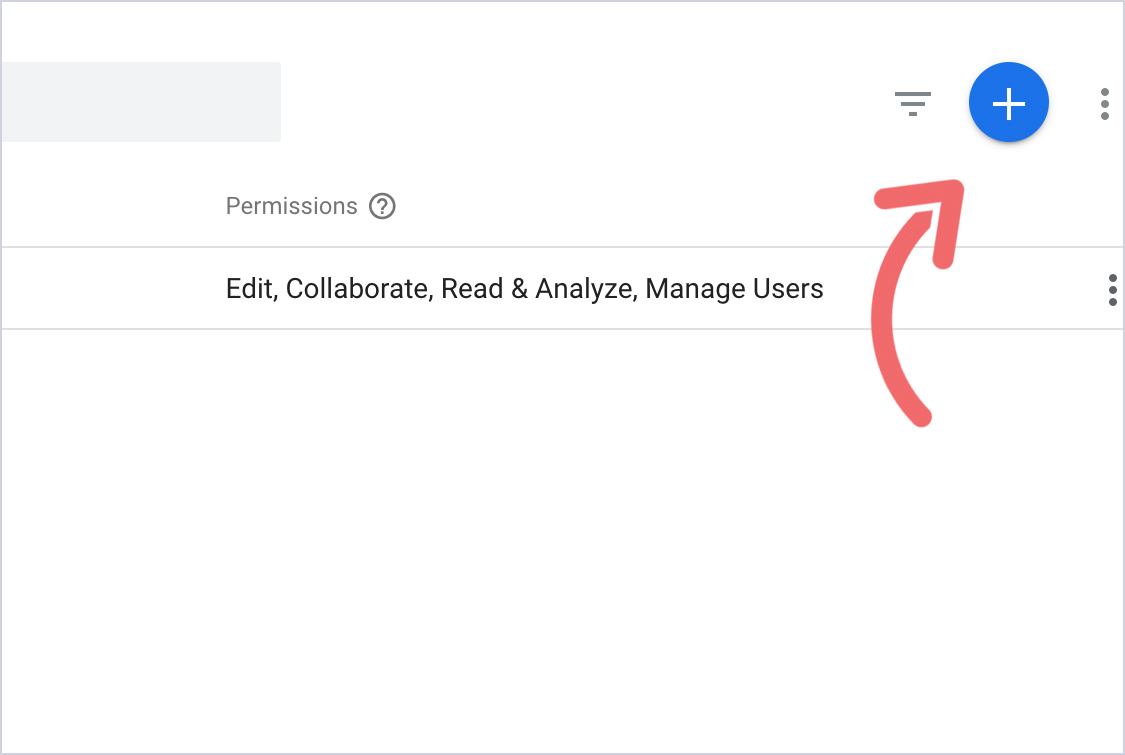
Click the blue plus button in the top right. From the dropdown, select Add New Users.
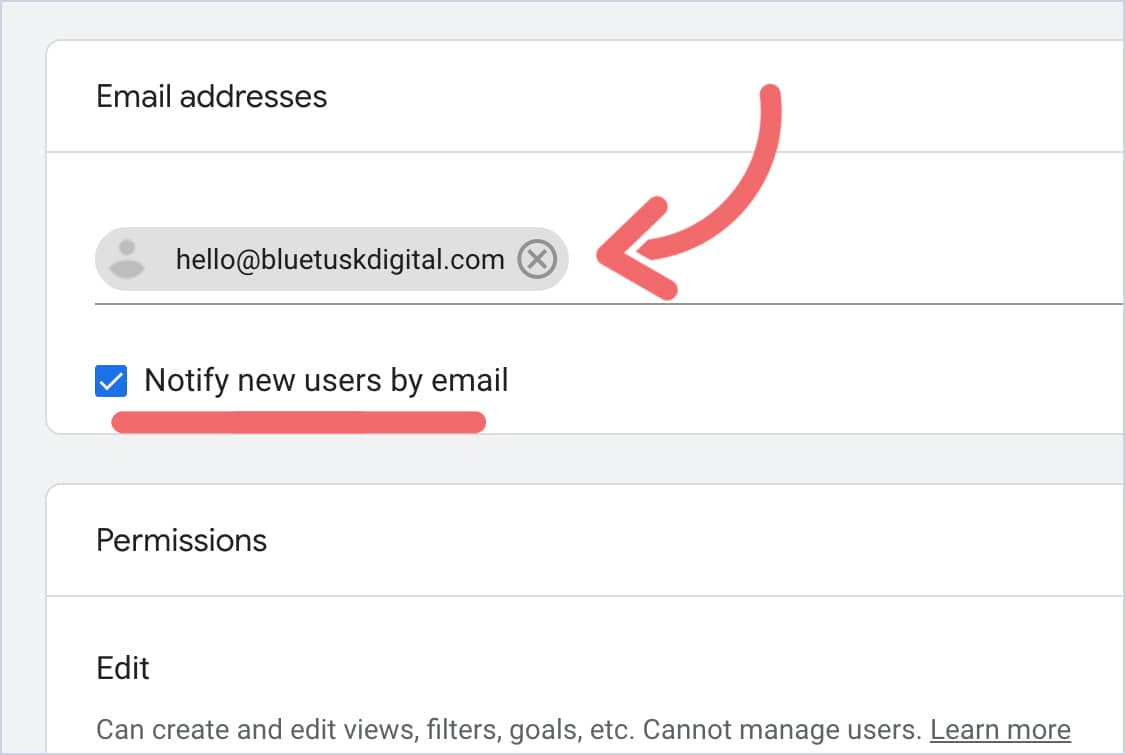
Now, you’ll want to give hello@bluetuskdigital.com access.
Please do not give access to any other Blue Tusk email.
Check the Notify this user by email box so we receive a confirmation.
Under roles, select Administrator.
This gives us the access needed to set up goals and track conversions in your account.

Then, click Add. That’s it!


